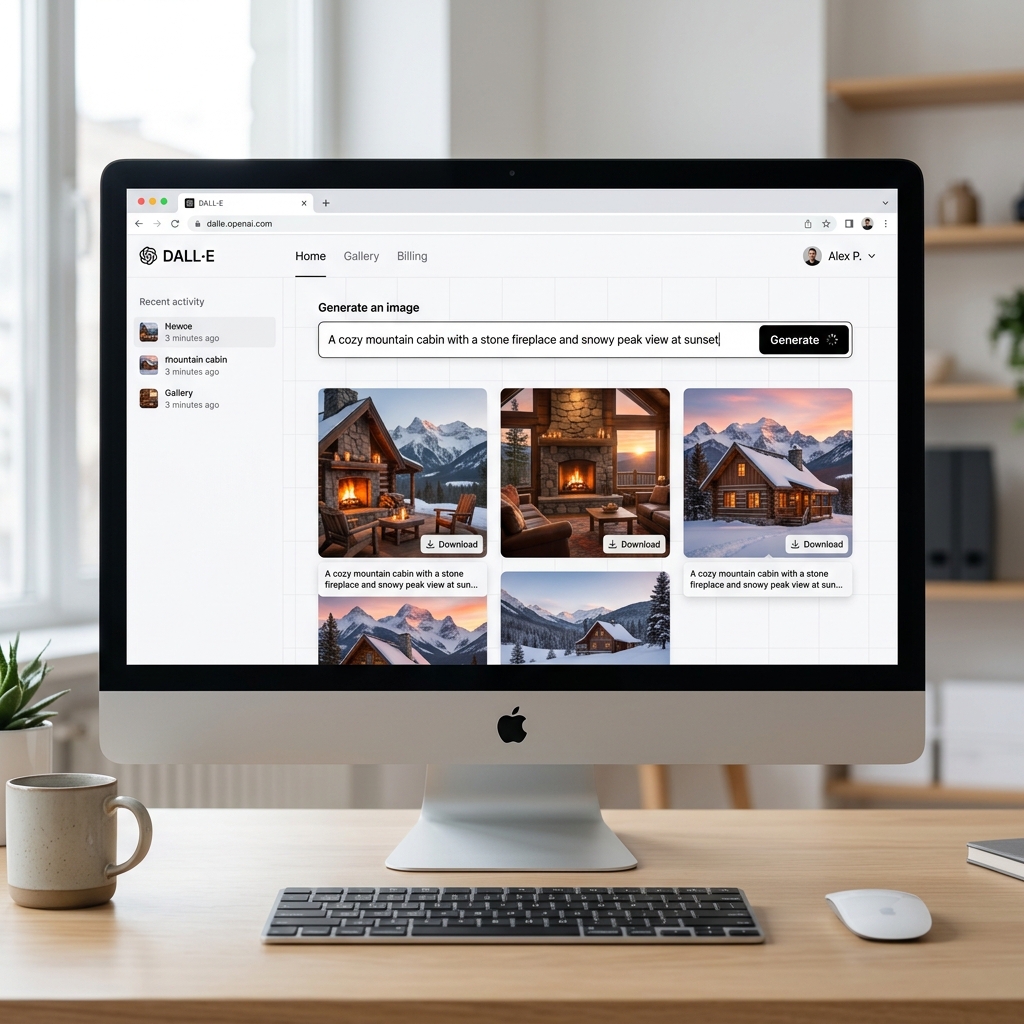
DALL-E 3 - The Ultimate Text-to-Image AI Generator
1. Introduction to DALL-E 3
DALL-E 3 is the latest text-to-image AI model developed by OpenAI. Unlike early-generation image generators, DALL-E 3 is engineered to understand and precisely follow complex prompts, rendering everything from the smallest contextual details to specific art styles with stunning accuracy.
Most notably, DALL-E 3 is built natively into ChatGPT (Plus/Team/Enterprise editions). This means users no longer need intensive "prompt engineering" skills—ChatGPT acts as an intermediary, automatically refining your raw ideas into highly optimized prompts for the best possible visual output.
Core Strengths (USP):
- Unrivaled Prompt Adherence: It rarely drops details you specifically ask for, outperforming tools like Midjourney or Stable Diffusion in strict accuracy.
- Conversational Refinement: You can chat with it. Instead of rewriting an entire prompt, you just tell ChatGPT what to tweak in the next iteration.
- Text Rendering: DALL-E 3 is currently one of the best models at embedding actual text (words, signs, labels) into images reliably.
2. Core Features and Practical Use Cases
DALL-E 3 is a versatile powerhouse for both individuals and businesses producing visual content. Here are the most popular use cases:
- Concept Art: Quickly generate visual concepts for character designs, architecture, or game worlds with just a few lines of description.
- Blog & Book Illustrations: Create custom illustrations without the risk of copyright infringement from stock photo libraries.
- Logo & Branding Drafts: Generate dozens of color variations, logo textures, and typography styles as a brainstorming foundation for professional designers.
- Product Mockups: Highly useful for marketing materials. You can render a realistic package mockup in various environments (e.g., "a coffee cup on a wooden table facing the beach").
- Storyboarding: Create quick, vivid drafts and frames for video scripts or advertisements.
3. How to Access and Setup
DALL-E 3 is not a standalone web app; it is deeply integrated into OpenAI's and Microsoft's ecosystems. You have two main ways to use it:
Method 1: Via ChatGPT Plus (Direct from OpenAI)
- Go to chatgpt.com and log in.
- Upgrade to a ChatGPT Plus account ($20/month).
- Open a new chat. You don't need to switch complicated modes; just type your image request directly into the chat bar.
Method 2: For Free via Microsoft Copilot (Bing Image Creator)
If you prefer not to pay, you can use the DALL-E 3 engine through Microsoft:
- Go to Copilot or Microsoft Designer Image Creator.
- Log in with a personal Microsoft account.
- Enter your prompt to start generating images for free (subject to a daily limit of fast-generation "boosts").
4. Basic Usage Guide
Here's an example workflow using GPT-4 with DALL-E 3:
- Start with a simple prompt: Type: "Generate an image of a cyberpunk city landscape at night with a neon flying car."
- Adjust the result: Once the first image is generated, if you want to change the color tone, you don't need to retype everything. Just tell ChatGPT: "Make it raining and change the dominant color tone to purple."
- Format sizing: You can dictate the aspect ratio via text, e.g., "Make it a 16:9 horizontal layout" or "Vertical 9:16 for Reels."
- Download: When satisfied, click on the image and hit the Download icon.
5. Best Practices
Even though ChatGPT writes great prompts behind the scenes, you should establish a few rules to get exactly what you want on the first try:
- Use a structured prompt: [Subject] + [Action/State] + [Environment/Background] + [Art Style] + [Lighting/Color].
- Specify the style explicitly: Use keywords like 3D render, Pixar style, oil painting, watercolor, cyberpunk, flat illustration, macro photography.
- Placing text on images: If you want DALL-E to generate specific words, put them in quotes. Example: Draw a neon sign that says "OPEN24".
- Avoid vague negative prompts: Don't say "Don't draw a blue sky." Instead, describe what you do want: "Draw a heavy, tar-gray cloudy sky."
6. Pricing and Tiers
| Platform | Cost | Details |
|---|---|---|
| Microsoft Designer / Copilot | Free | Gives 15 "boosts" per day for fast generation. Runs slower when out of boosts. Includes a small watermark. |
| ChatGPT Plus / Team | $20 - $30/user/month | Fastest rendering, powerful conversational editing, data privacy controls, no watermark, integrated seamlessly into the chat. |
| OpenAI API | Pay-as-you-go | For Developers. Costs around $0.040 for a standard quality 1024x1024 image. |
Verdict: ChatGPT Plus is highly worth it if you use AI daily. However, if you only occasionally need illustrations, the free DALL-E 3 engine inside Microsoft Designer is more than enough.
7. Conclusion
DALL-E 3 has changed the AI art game by removing the technical barrier of complex prompt syntax. Its smooth integration with LLMs makes it highly intuitive, acting like a true "graphic assistant."
- Pros: Unmatched natural language comprehension, excellent text rendering, versatile conversational editing, zero learning curve for syntax.
- Cons: Sometimes overly cautious regarding OpenAI's safety and copyright limits; the "artistic flair" is sometimes less impressive than Midjourney v6.
Official Access: DALL-E (OpenAI) or the ChatGPT app.